How to select a photo for your gear!
Selecting a photo for your GearMark is a tough decision! Let us help!

Complex Image
Simplified Image
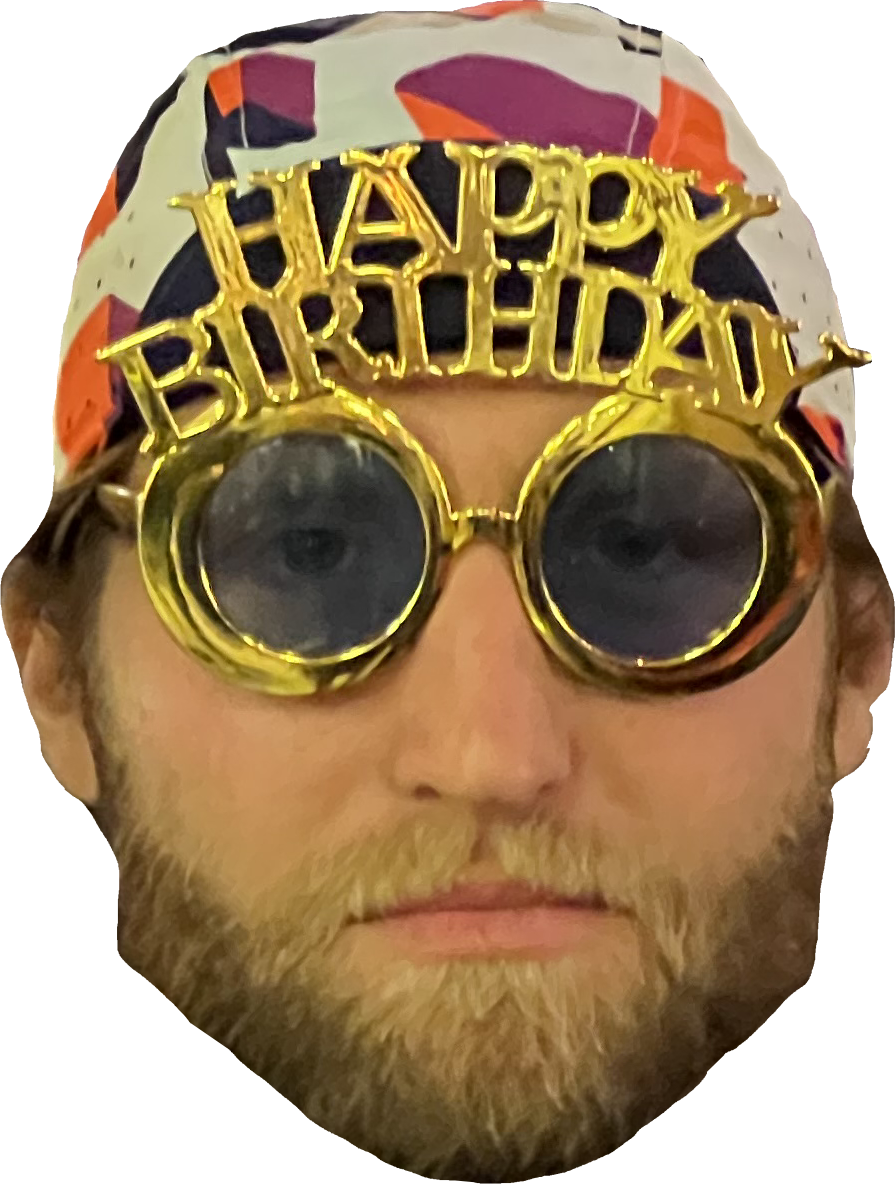
Simpler is better
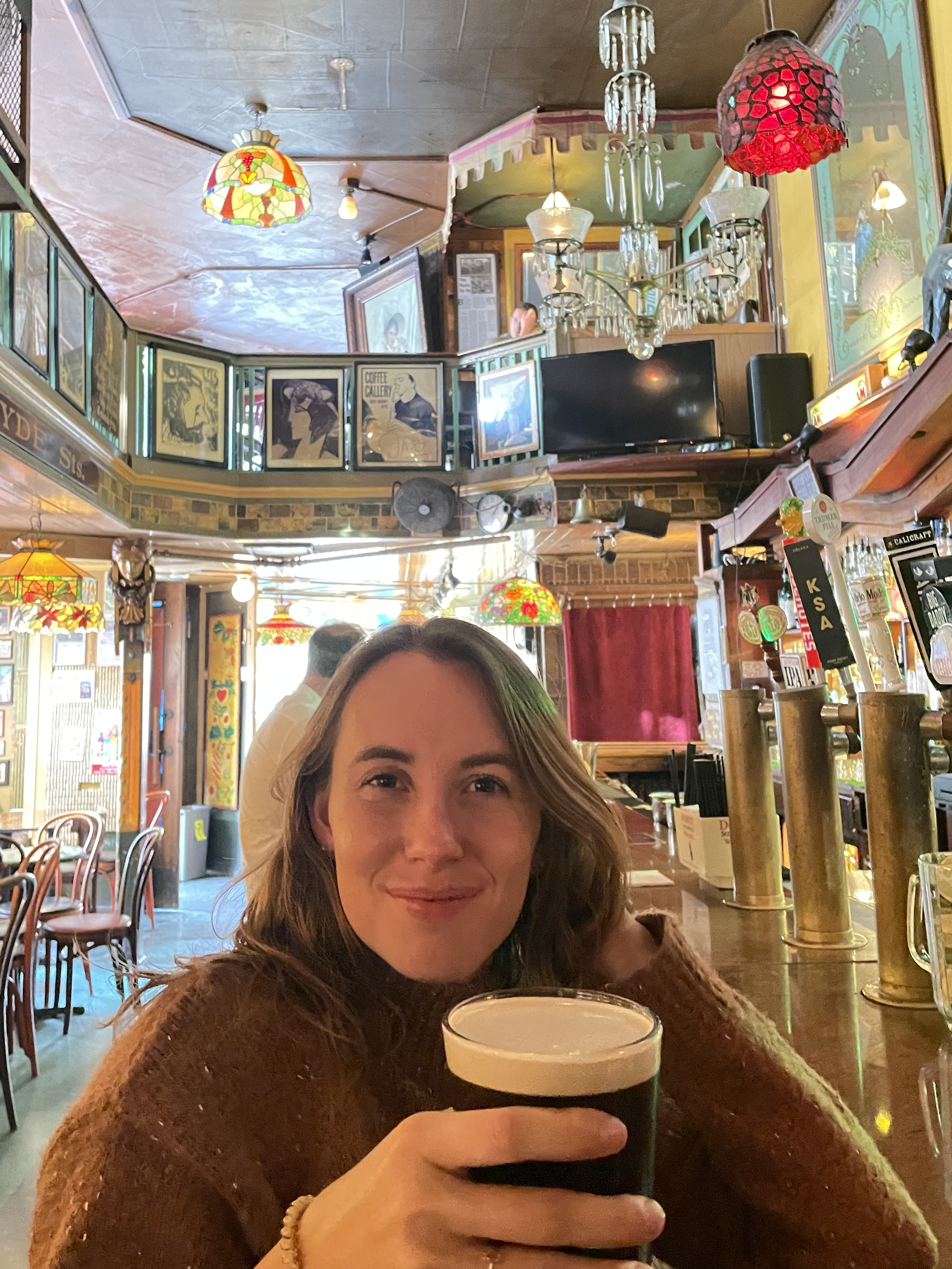
Start by asking, what am I putting this on? if you’re going to be ordering a lot of small stickers, simple images like faces work best. The more detail you want in an image, the harder it can be to make out as the image gets smaller.
2. Get Close Up!
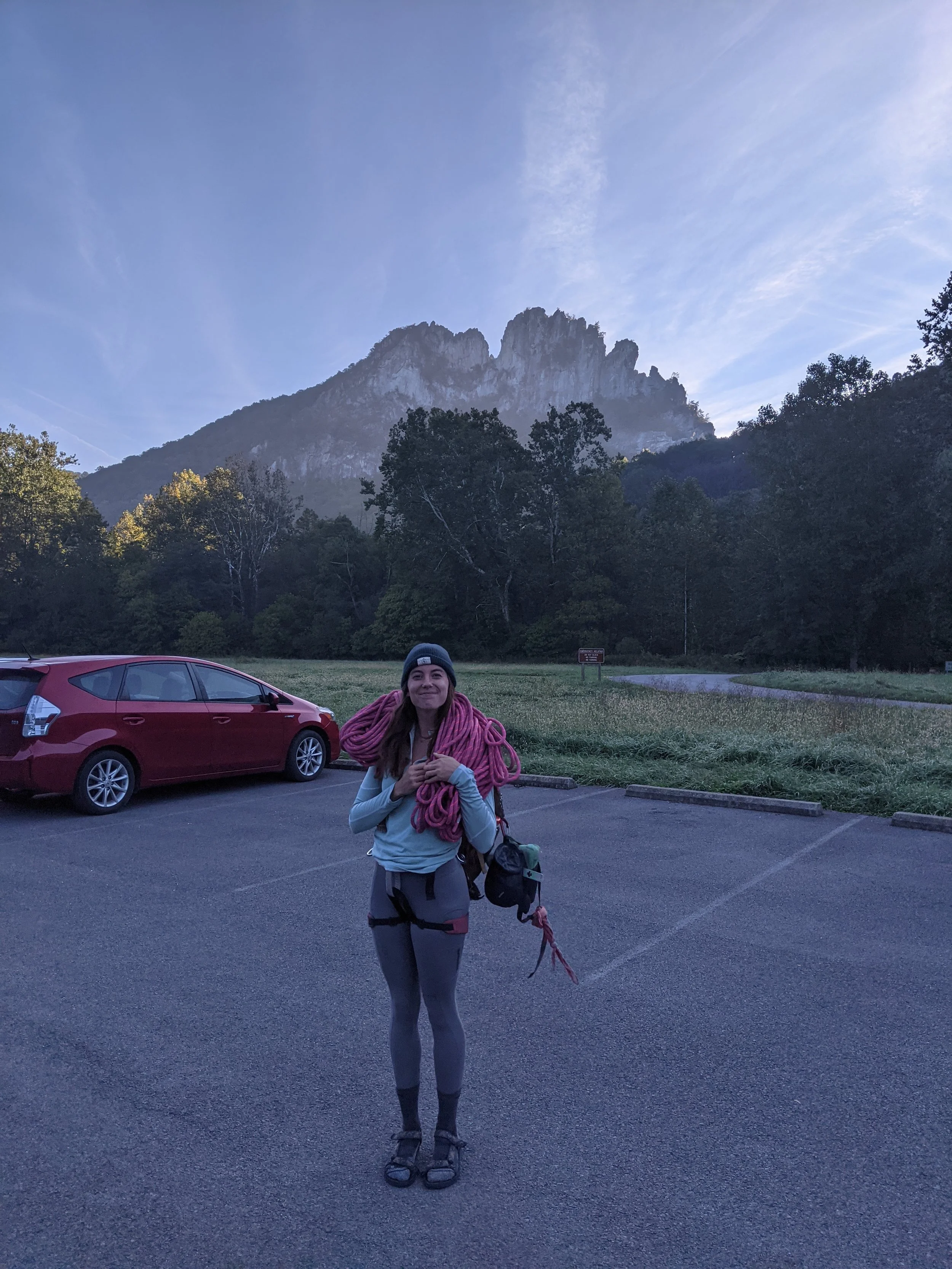
We are limited to how many pixels are in the part of the image cropped. The further your target is from the camera the less pixels we have to use, and the more pixelated your large stickers will be! See the example below.


3. Aim for Round
Stickers stick best with rounded edges! Shapes that have a lot of sharp edges have a lot of spots where something could catch and rip the sticker off. If you still want that images, select “add border” in checkout and we’ll add a clear round border to keep your sticker low profile.
4. Like the photo but have a zit?
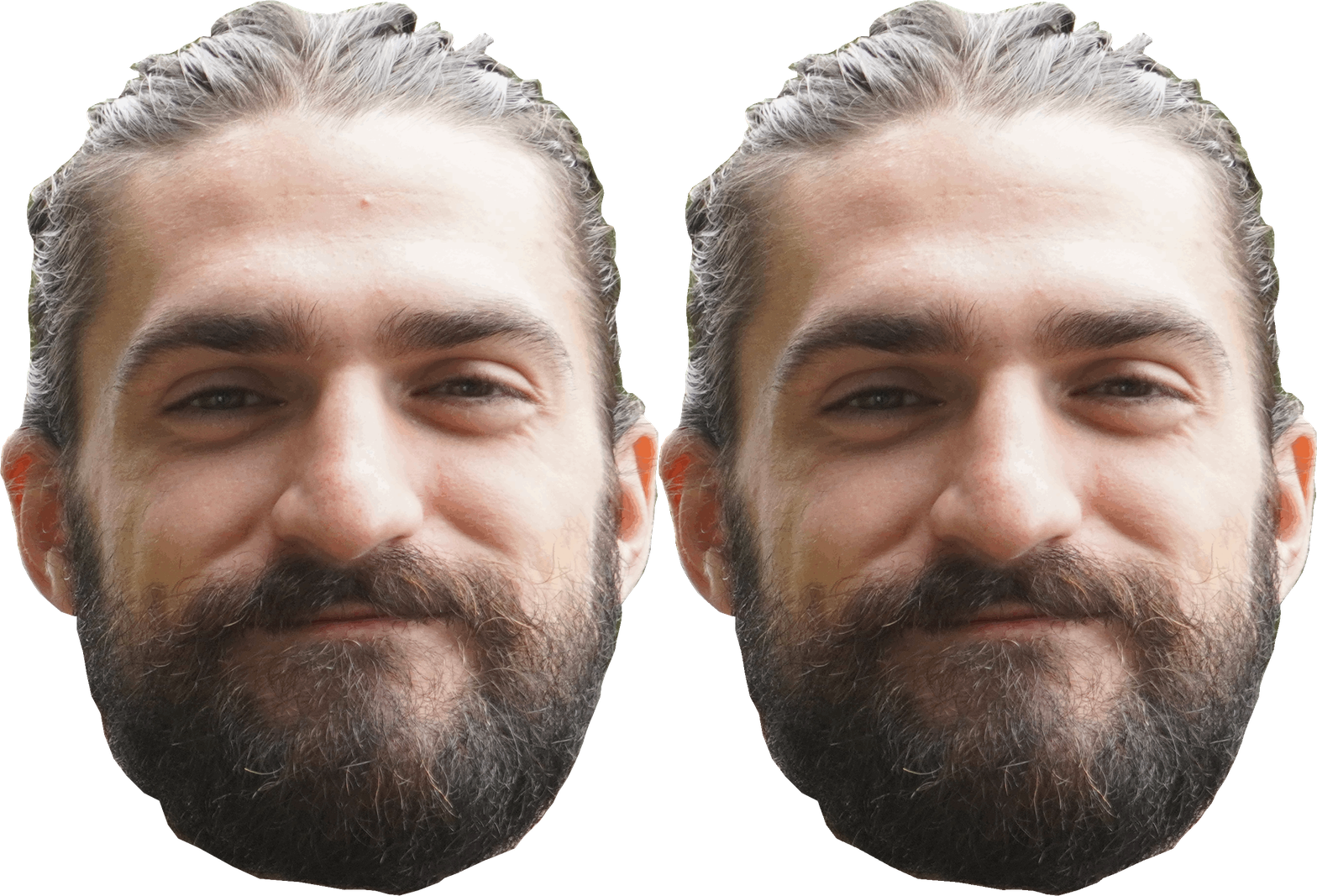
If there is a photo that you love but you have a zit or your teeth look yellow, Don’t worry! Just add instructions to the comment when submitting your photo and we’ll help you look your best.
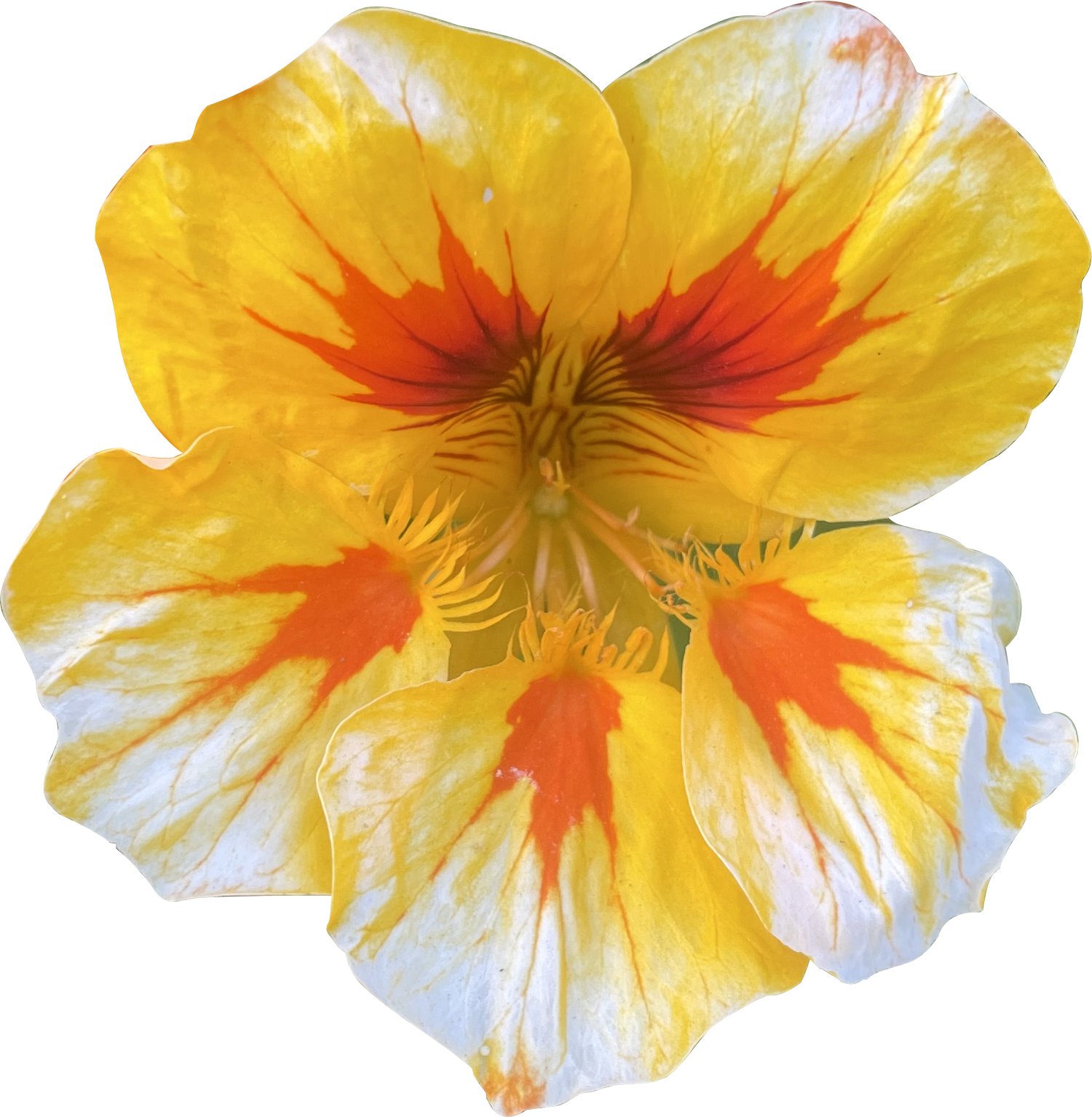
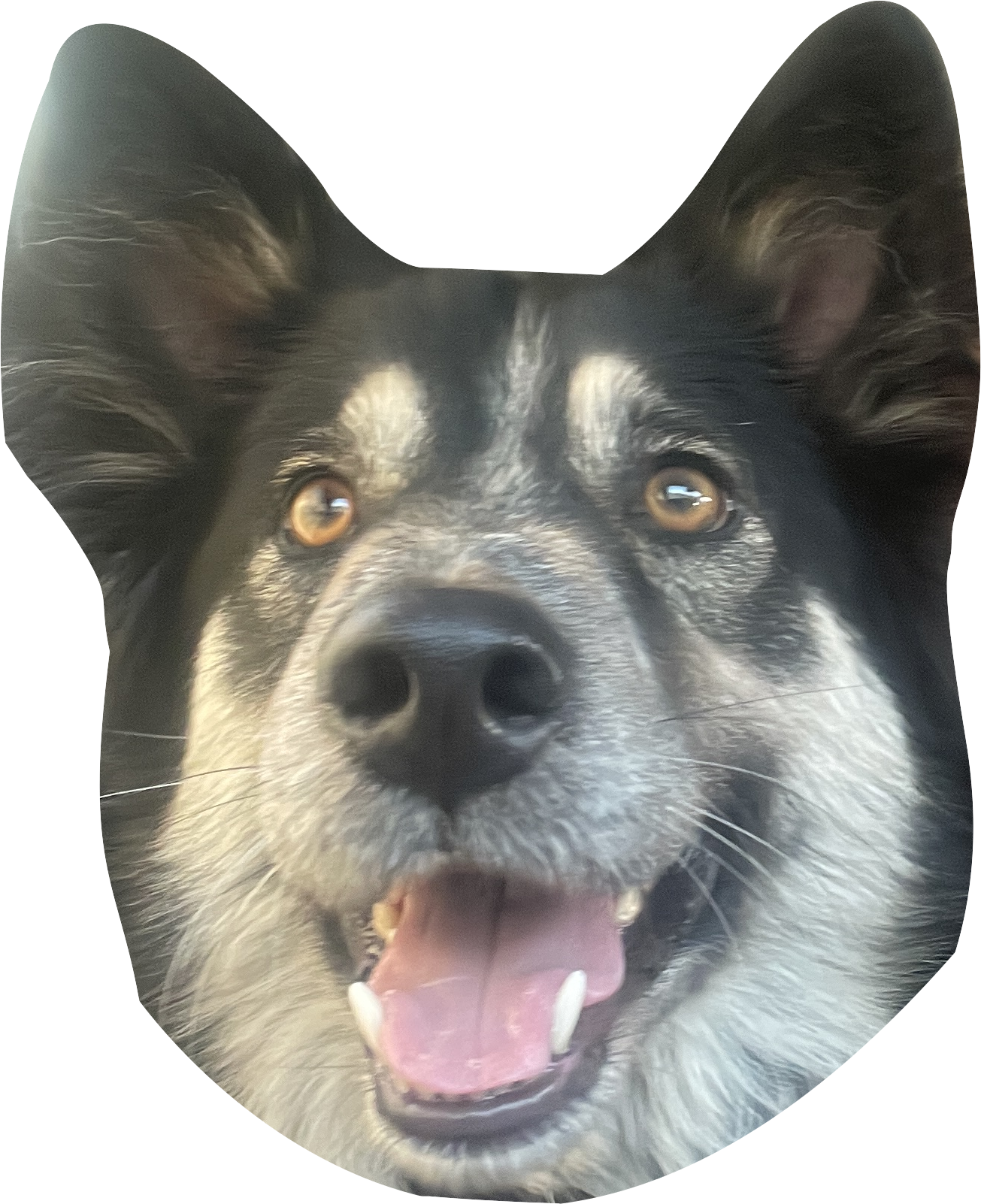
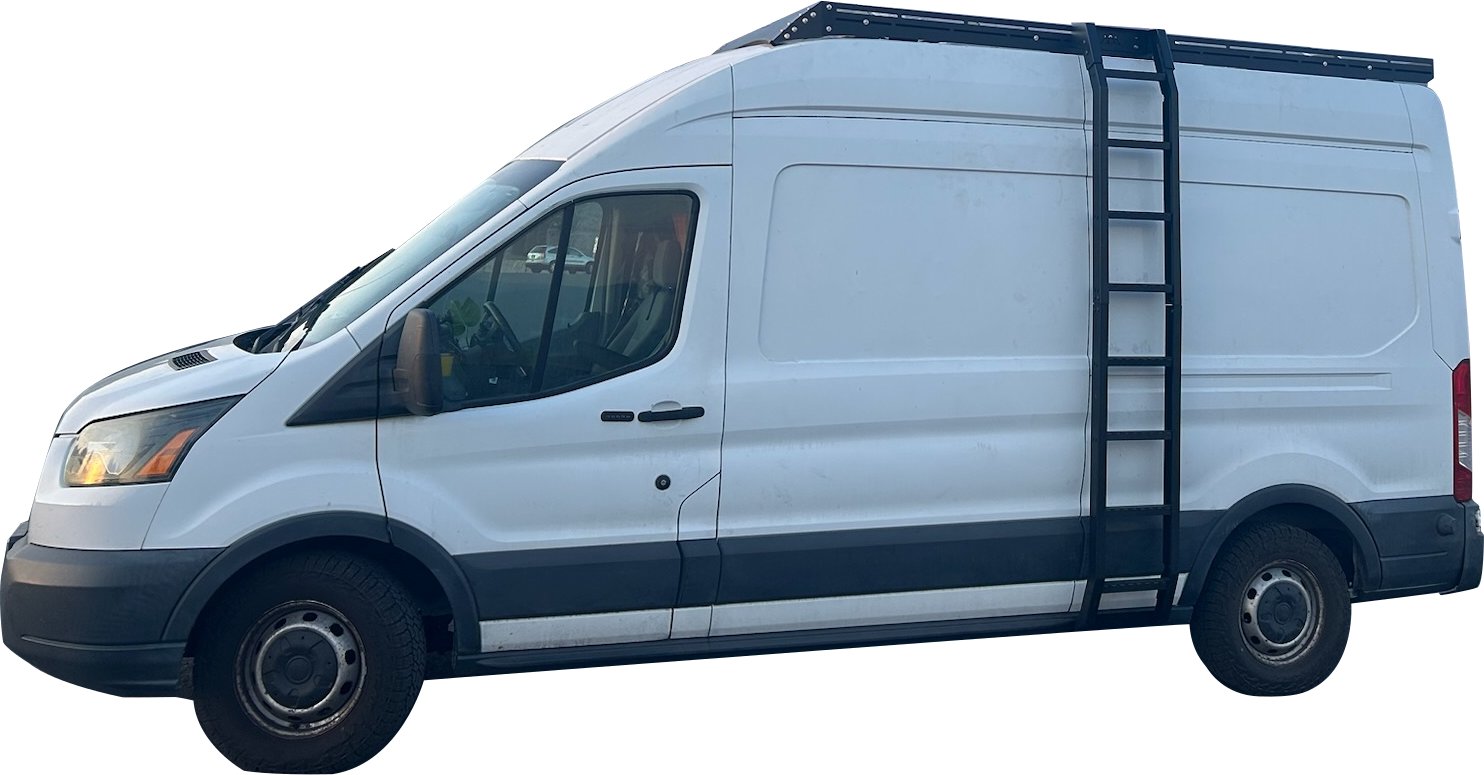
5. It doesn’t need to be your face!
Consider using artwork, an animal, another image you like. Just add your instructions to the comments when submitting your photo. See some fun examples!